
Module 1: How Augmented Reality Shapes Our World
TASK 1: Discover What AR Really Is!
-
Spot the Magic 🕵️♀️
Watch the videos carefully! What amazing things are happening on screen that wouldn’t happen in real life? -
Behind the Curtain 🎩✨
Imagine you’re a magician revealing the trick. How do you think this technology makes the objects or animations appear? -
Treasure Hunt Challenge 🔍
Can you think of (or even find online) at least 2 other examples of Augmented Reality you’ve seen before—maybe in games, shopping apps, or museums? Share them with the group! -
Bonus Fun Fact 🤓
If you could invent your own AR effect, what would it be? (Example: AR glasses that add a dragon flying above your school!)
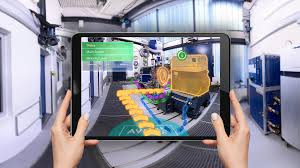
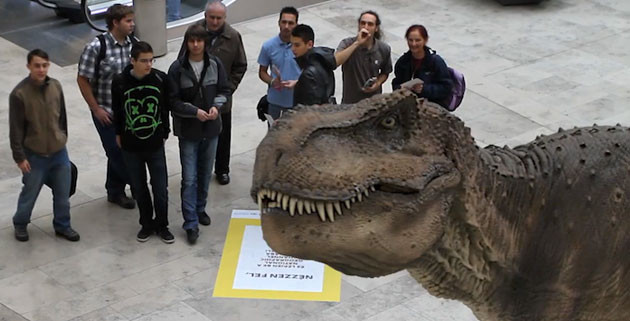
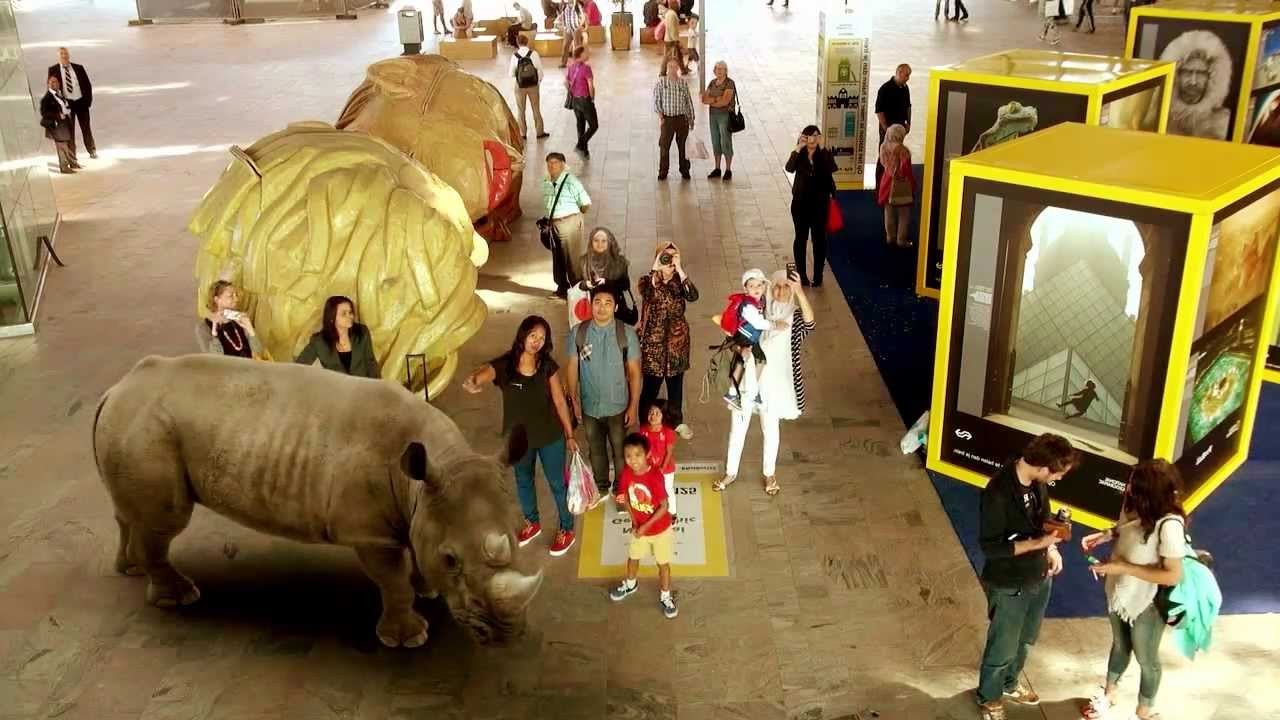
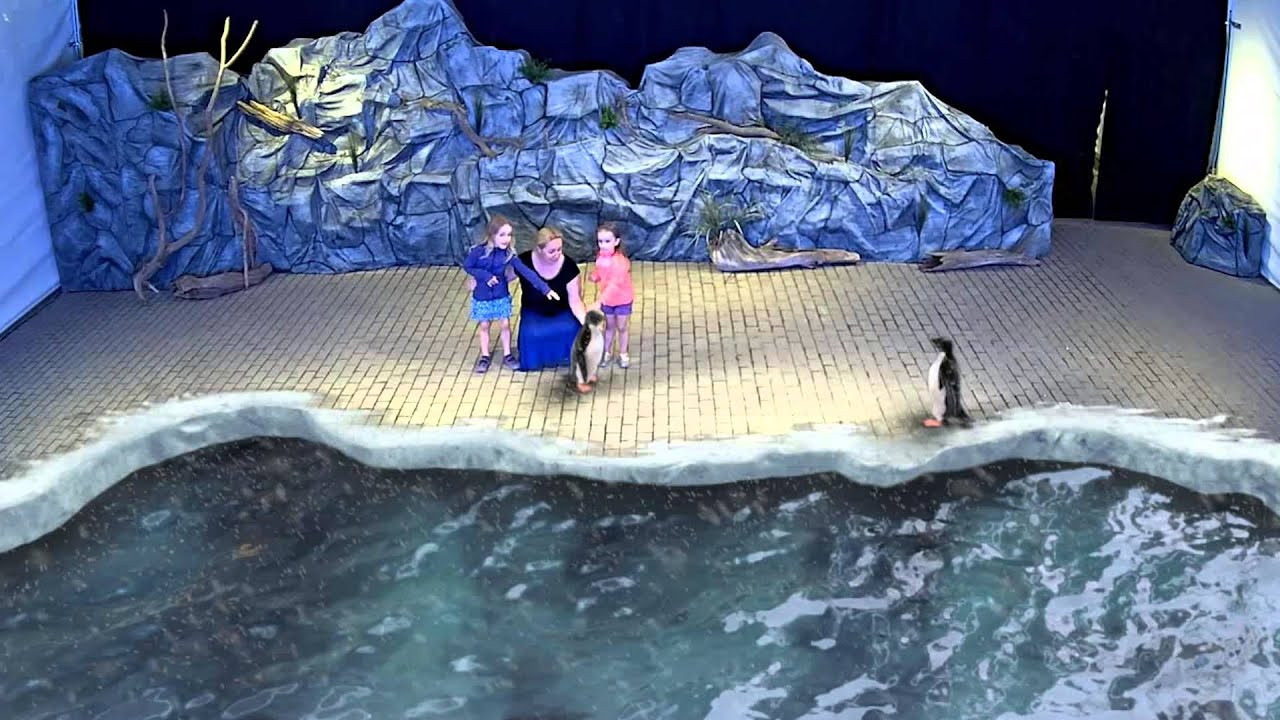


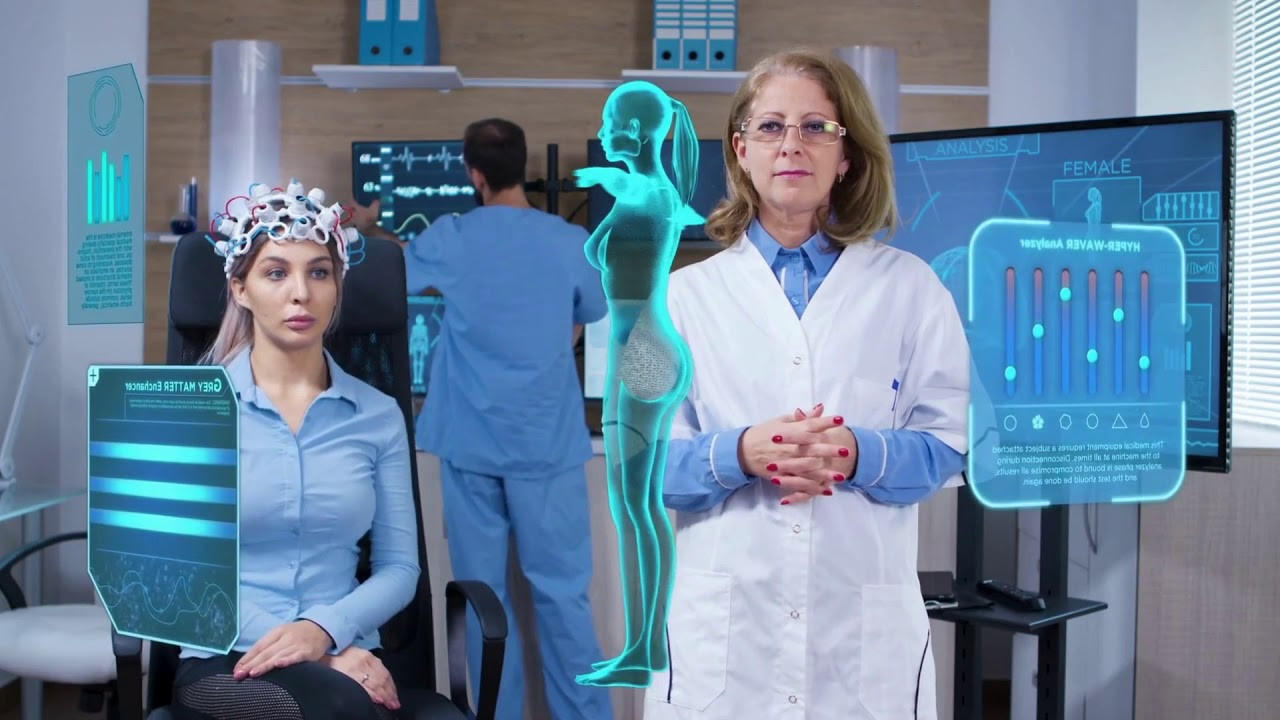
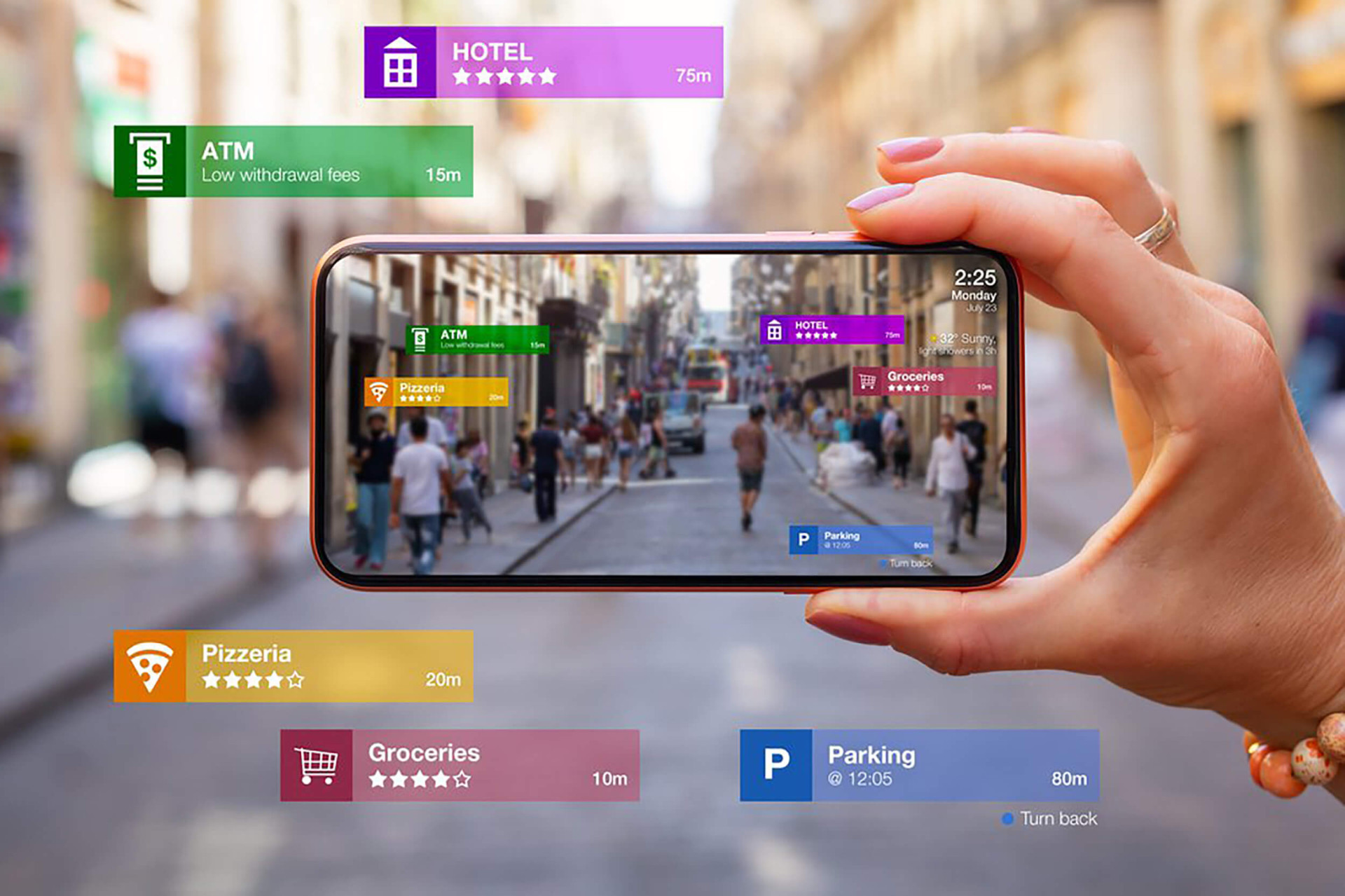
TASK 2: Mission AR Explorers – Step Into the Augmented World!
-
Watch & Wonder 👀
Play the videos and note down the coolest AR moment you notice. Be ready to share it with your group! -
Explain the Magic 🎩🧩
In your own words, describe what Augmented Reality is—imagine you’re explaining it to a younger sibling or a friend who has never heard of AR before. -
Team Brainstorm 💡🤝
Work in groups: Where can AR be useful in everyday life?-
Education 📚
-
Entertainment 🎮
-
Shopping 🛍️
-
Medicine 🏥
-
Tourism 🌍
Each group should come up with at least 3 creative ideas and be ready to pitch them!
-
-
Reality Check: AR vs VR 🕶️
Together, compare AR with VR using a fun “spot-the-difference” challenge:-
Which one adds things into the real world?
-
Which one creates a completely new world?
-
-
Bonus Challenge 🚀
If you could invent one AR app, what would it do? (Example: Try on clothes without going to the store, or see dinosaurs walking in the schoolyard!)
Pepsi Bus Stop AR
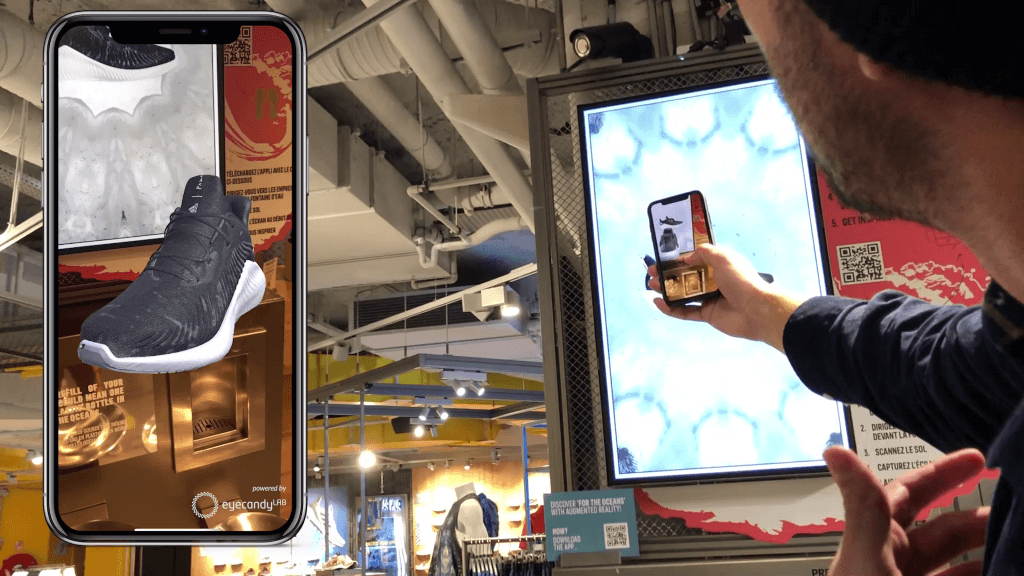
Gucci Virtual Shoes Try On

NETFLIX Stranger Things
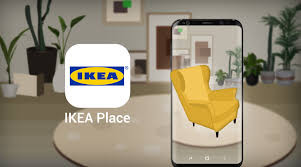
IKEA Furniture Arrangements
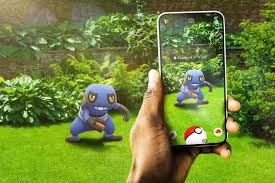
Pokemon GO Game
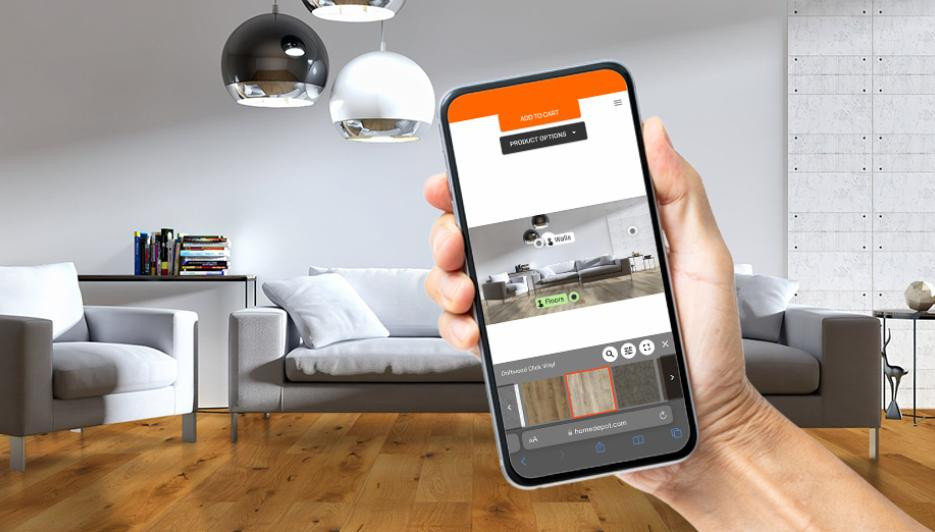
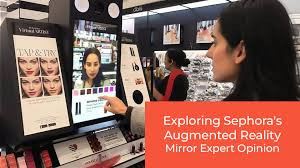
Virtual Artist Makeup
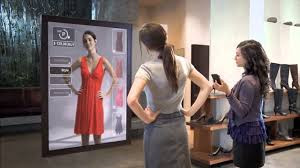
Virtual Clothes Try On
REVEALING SMART MIRRORS Show What You Would Look Like Wearing
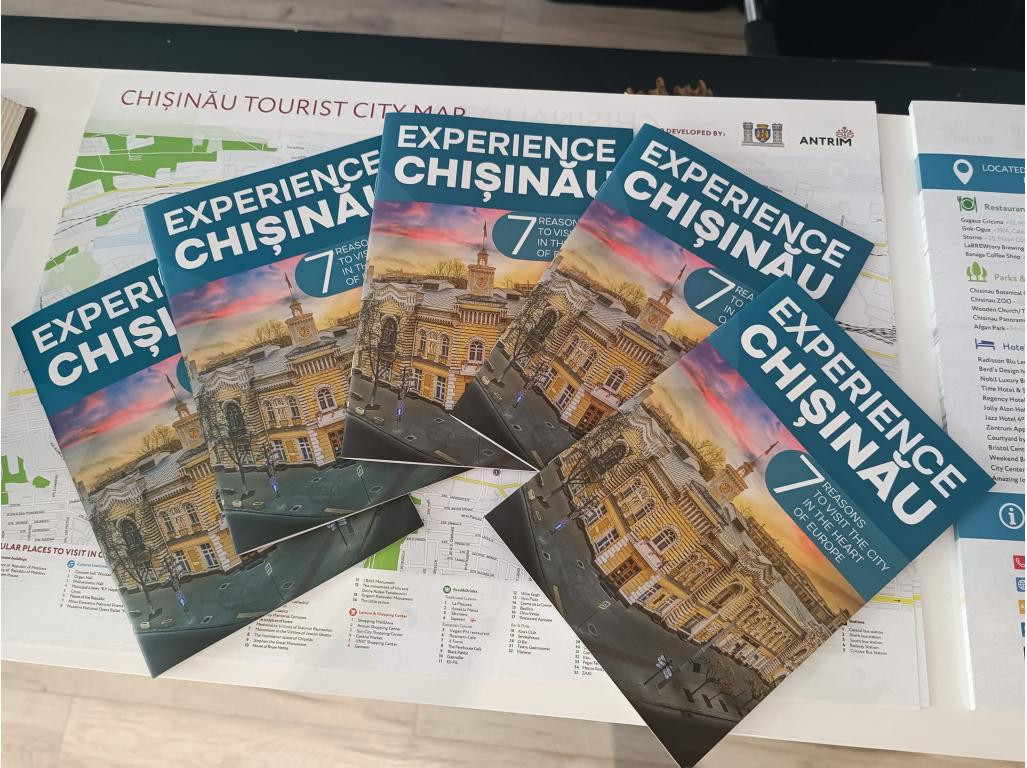
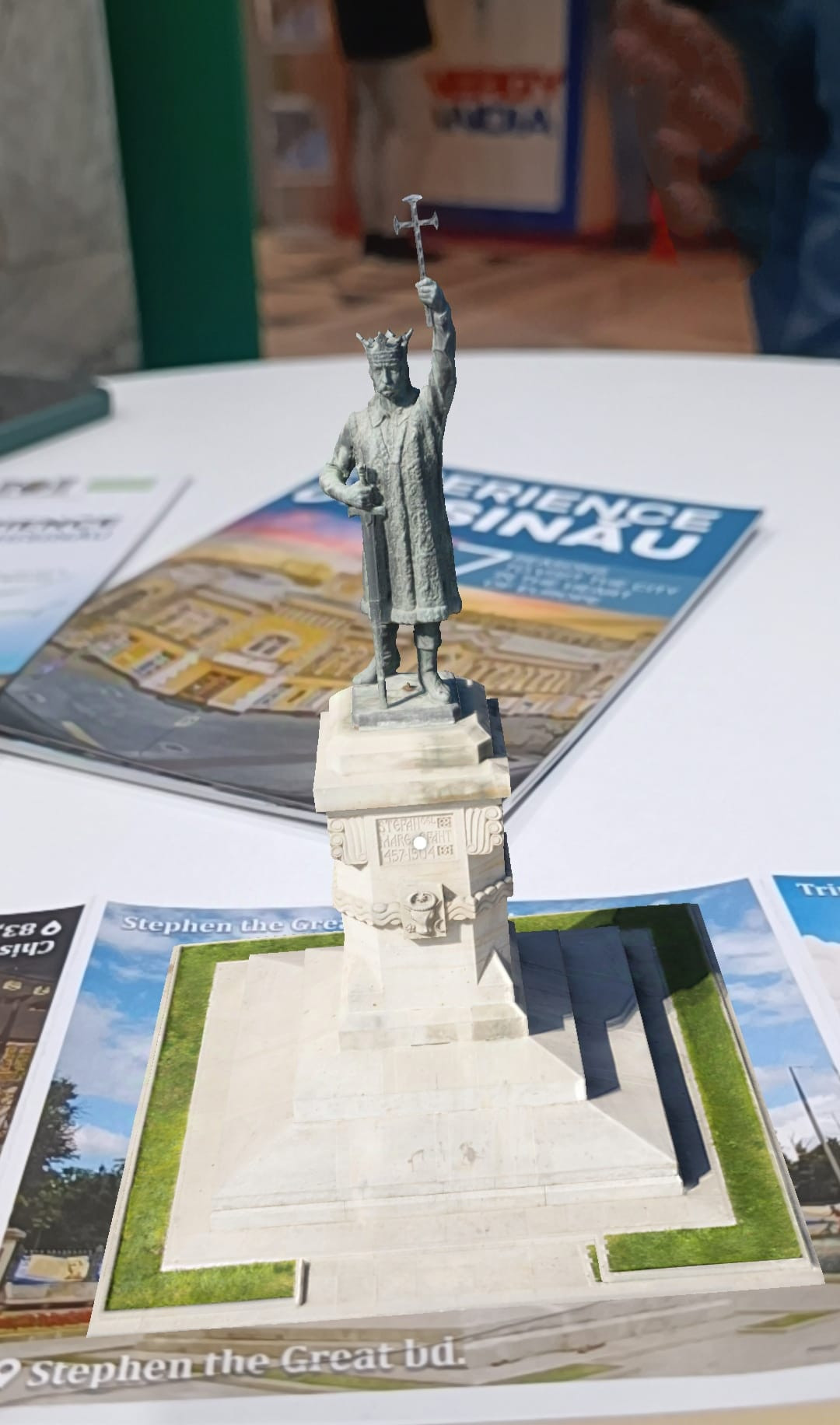
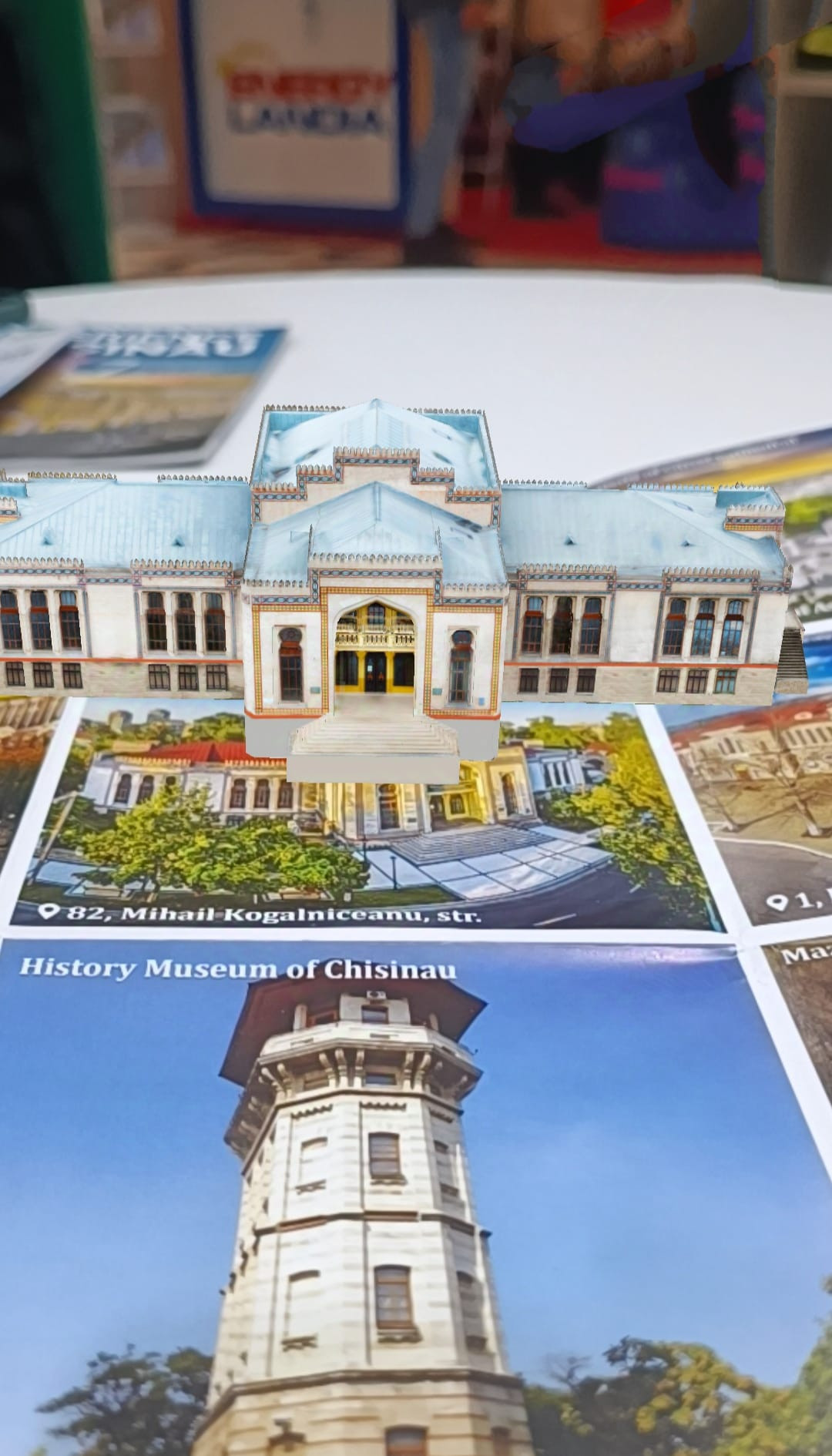
Task 3: CASE STUDY - CHISINAU AR TOURISTIC MAP Discussion
In your groups, discuss the following:
-
Watch the video. How does this AR map seem to work technically?
(What sensors/devices? How is the data overlaid? What about GPS, mobile device, spatial recognition?) -
What are the benefits & possible limitations of using an AR map for a capital city like Chişinău? Consider: accessibility, accuracy, cost, digital divide, usability, maintenance.
-
User experience: What did you like? What would you improve?
-
Who could / should use this AR map? Think of different stakeholders (tourists, students, city planners, accessibility-needs people etc.)
Debate / Design Challenge
Pick one of these mini-challenges per group:
-
Challenge A: You are part of the Chişinău city council. Decide whether to adopt this AR map project closer: write a short proposal (3 paragraphs) arguing for or against (or with modifications).
-
Challenge B: Improve the AR map: design one new feature (or extension). Sketch how it works (what user sees, what device, when, for whom).
-
Challenge C: Solve a problem: say there are people without smartphones, or tourists without mobile internet. How would you adapt or add to the AR map to serve them?
After designing, be ready to present and defend your ideas.
-
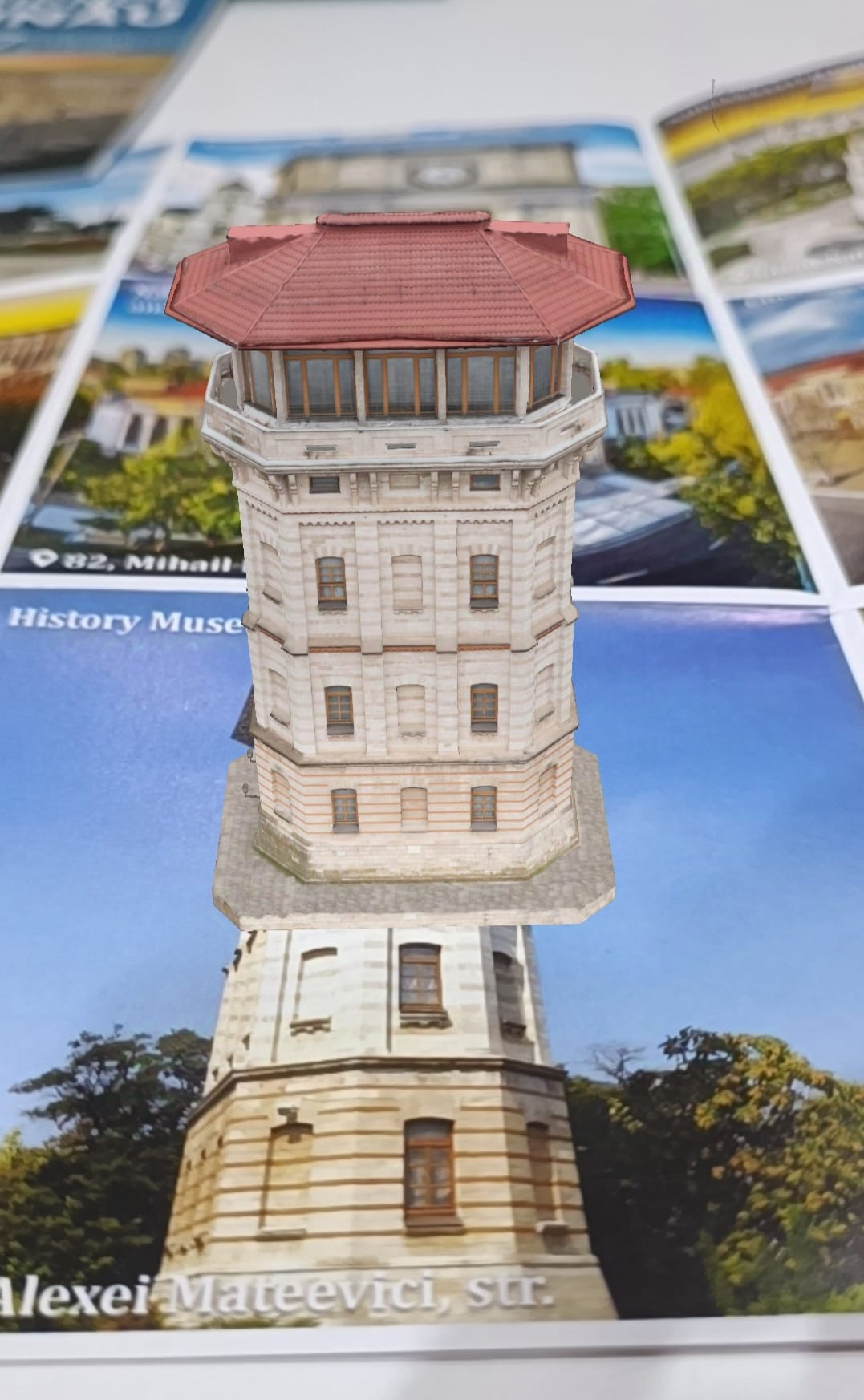
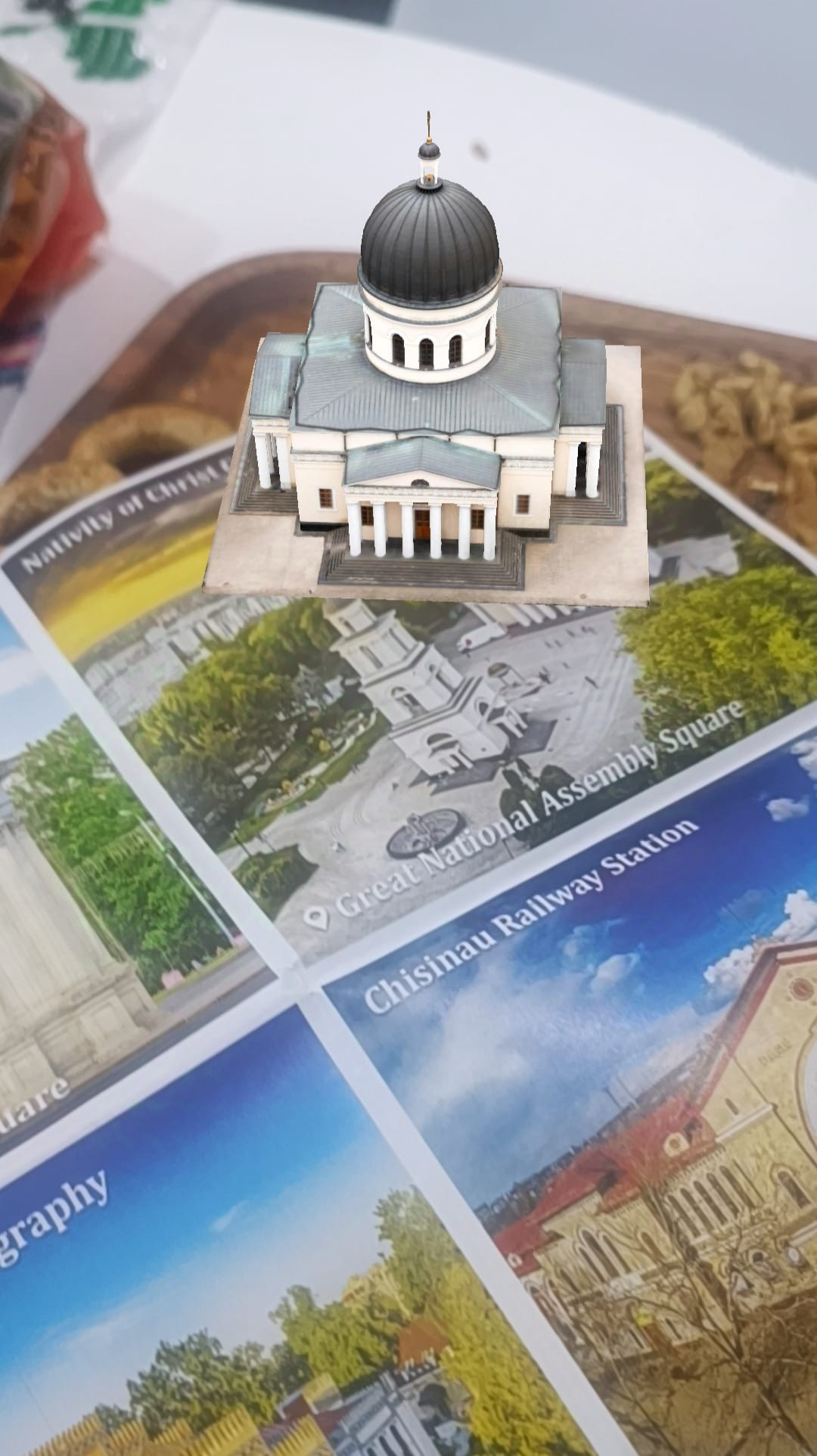
TASK 4: AR Business Detectives 🔍💡
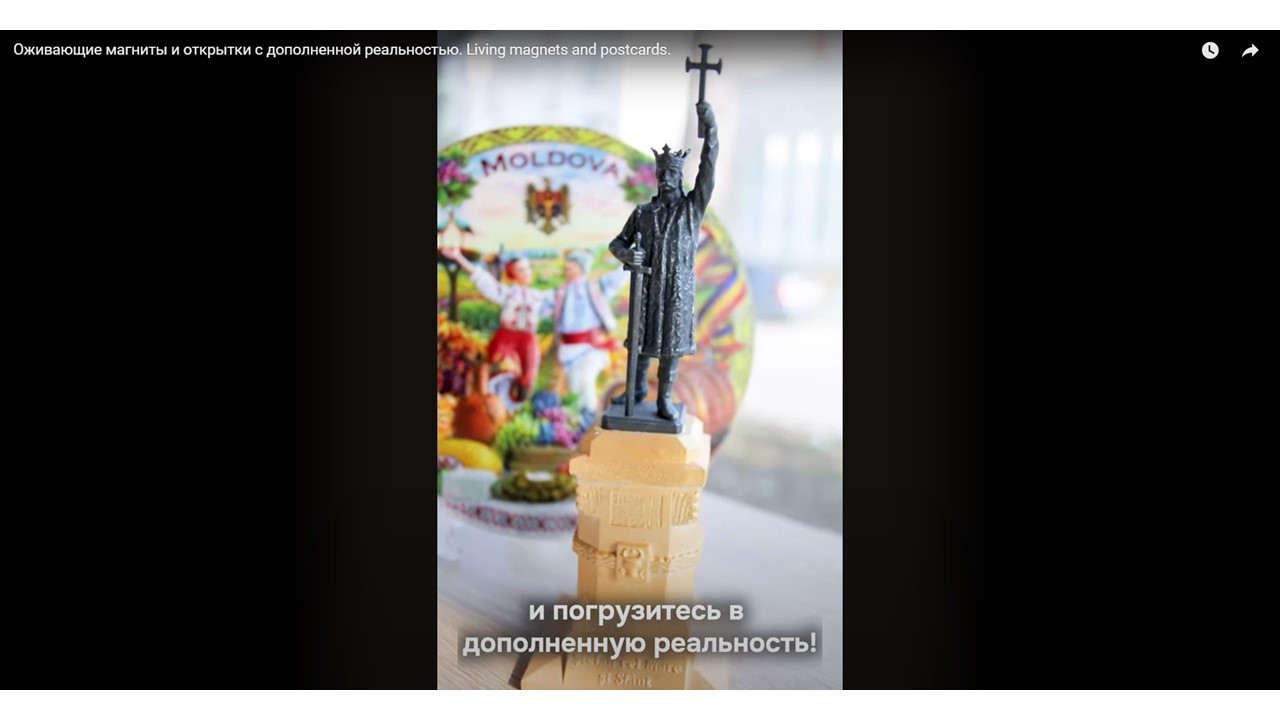
Watch & Discover 🎥
Check out these promotional videos FROM MOLDOVA. Share your gut reaction: Did it surprise you? Excite you? Make you want to try it?Hot Seat Debate 🔥🗣️ Imagine you are business detectives. In small groups, discuss:
Would this idea be popular in YOUR COUNTRY?
Who would want to buy it (tourists, students, families, companies)?
Where could it be sold (souvenir shops, online, festivals)?
Dragon’s Den Mini-Pitch 🐉💼Pretend you are investors on a TV show like Shark Tank.
Would you invest in this AR company? Why or why not?
Each group gives a 30-second pitch to the class: “We think this product will/will not succeed because…”
Bonus Creativity Twist 🎨✨ If you were the company, what new AR product would you design to sell in YOUR COUNTRY? (Example: AR history postcards, AR food menus, AR T-shirts).
Home Task: My First AR Creation!🌟
Dear students,
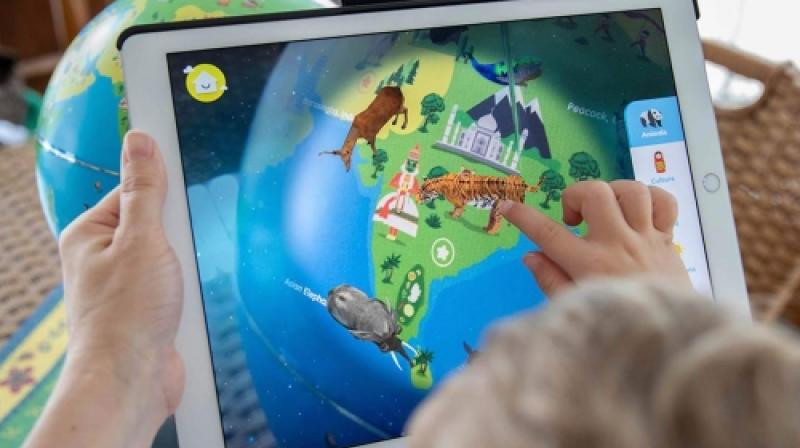
Your mission is to explore Augmented Reality (AR) by creating a small project at home using one of the free AR apps or websites we discussed (Blippbuilder, CoSpaces Edu, Halo AR, 3DBear, Merge EDU, etc.).
You will bring your project to class and show it to your colleagues in a short 4–5 minute presentation.
✨ Post your videos on Padlet: to share it with your team.
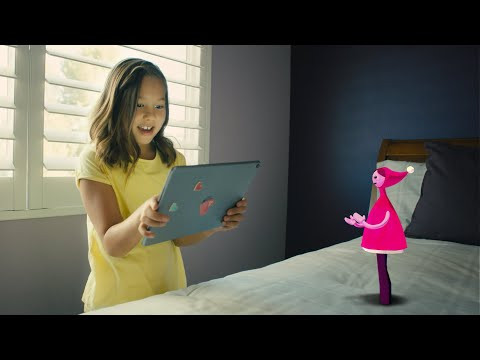
🎯 Choose ONE of these mini-projects:
AR Greeting Card / Poster 🖼️✨
Make a card or poster (digital or on paper) that comes alive when viewed with AR.
Example: a poster about your favorite hobby where an animation or sound appears when scanned.
AR Science Model 🔬🌍
Place a 3D object (planet, heart, animal, molecule, etc.) into your real-world environment.
Example: show the solar system floating on your desk or a dinosaur walking in your living room.
AR Story Snapshot 📚🎭
Choose a short scene from a book, film, or your imagination and bring it to life with AR.
Example: your favorite character appearing and saying one sentence, or a scene recreated in 3D.
AR Fun Fact Hunt 🔍🤓
Create one AR object connected to a “fun fact” you learned in class (math, science, history, art).
Example: a 3D pyramid with a fact about Egypt, or a 3D robot with a tech fun fact.
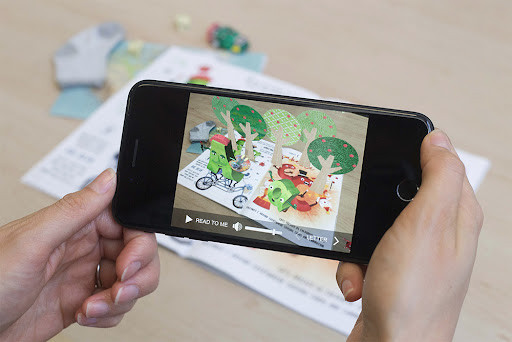
⏳ Time & Effort
Keep it simple and short (about 30–60 minutes at home). Use ready-made templates, 3D objects, or images from the free libraries inside the apps. No need to build from scratch.
Blippbuilder
What it is: A web-based AR creation tool with drag-and-drop interface. No coding needed. Blippar
What students can do: Upload images, videos, sounds, 3D models; animate them and build interactive AR scenes. Very user-friendly, great for beginners; free access to a library of AR-ready 3D assets.
Halo AR App
What it is: A mobile app (iOS / Android) that lets users overlay photos, videos, or 3D models onto images and share them. ISTE
What students can do: Take a picture (e.g. your desk or notebook) and layer on AR elements — text, sound, 3D objects — then publish. Mobile-friendly and easy to use for quick AR creations.
3DBear
What it is: An app that allows students to create AR experiences using 3D models placed into their real-world environment. home.edweb.net
What students can do: Add 3D objects into their surroundings and take photos or videos. Very intuitive—drag models, place them, very visual results.
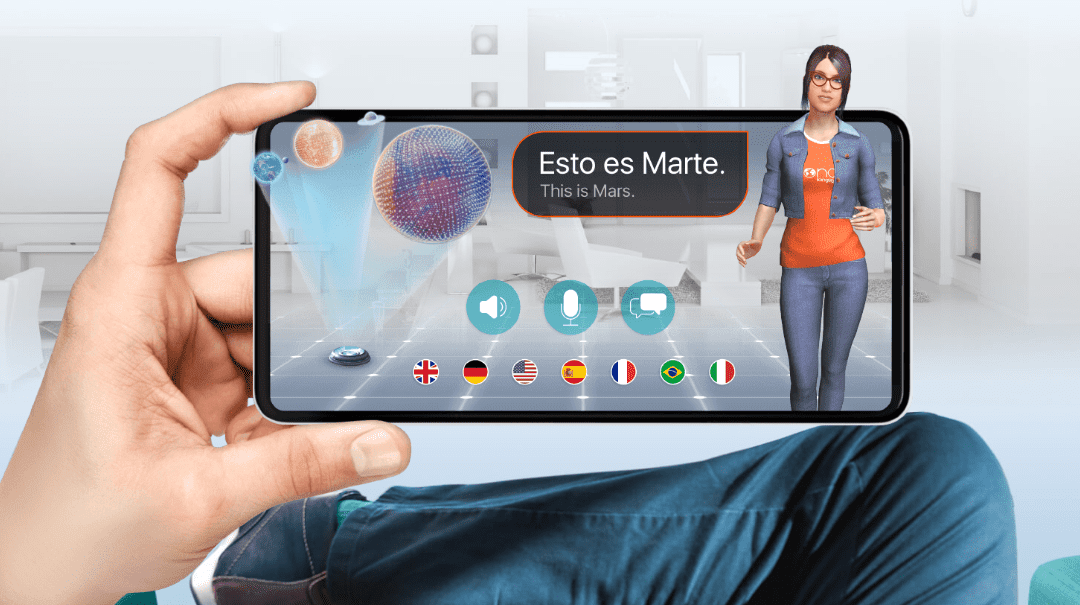
📲 What to Bring to Class
Your phone or tablet with the project saved.
Or a short video recording of your AR project if you can’t bring the device.
Be ready to explain in 1–2 minutes:
What did you create?
How did you make it?
Why did you choose this idea?
👉 Tip: The goal is to have fun and show creativity — not to make something complicated. Even a simple AR card or 3D model is perfect as long as you explain it to your classmates.